 Click on the Category button to get more articles regarding that product.
Crl Check a Freeware tool to analyse start-up delay of an application because of Certificate Revocation lookup
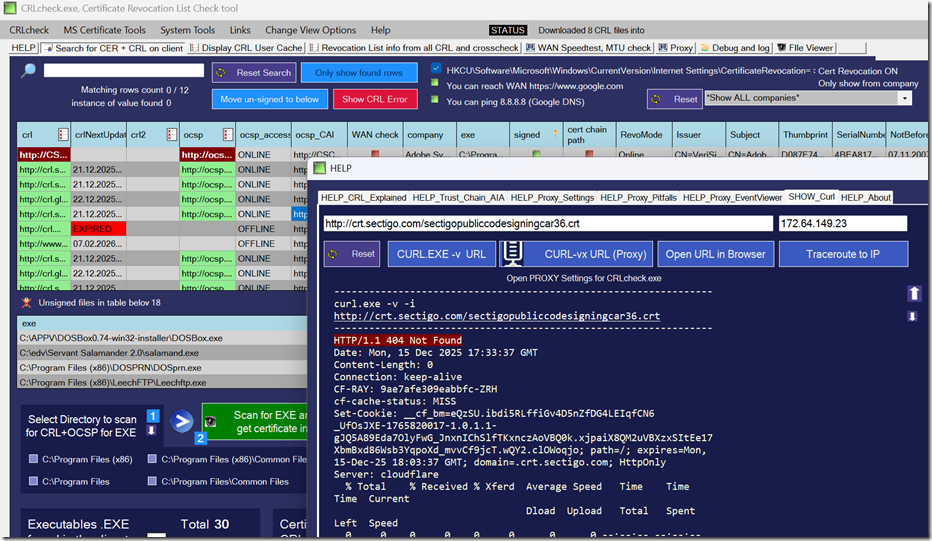
When you sign an executable in Windows with a code-signing certificate, there are certain registry settings that control how Windows behaves. As soon as an EXE or DLL is signed, a complex mechanism comes into play that checks the certificate revocation status via CRL or OCSP lookups over the internet (WAN).
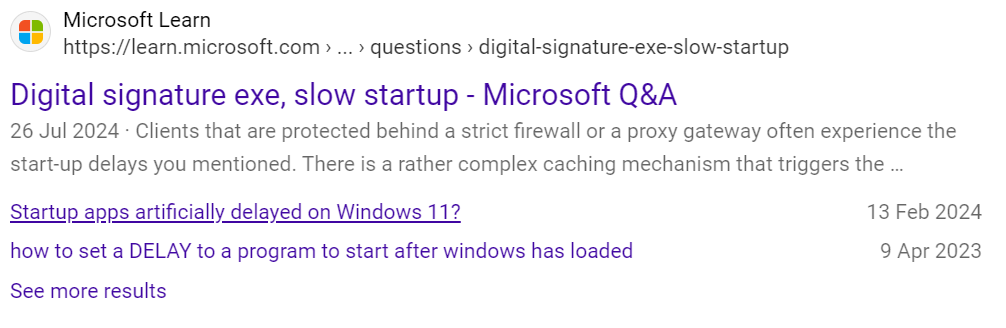
Clients that are protected behind a strict firewall or a proxy gateway often experience the start-up delays you mentioned.
There is a rather complex caching mechanism that triggers the download of CRL files from commercial CA suppliers.
This explains why it may be slow the first time and then faster afterward, or slow again after a reboot, or suddenly after a certain amount of time.
To make this worse (or to expose problems that already exist in your network or setup), if you use an enterprise antivirus solution such as Trellix ENS, or any product that works with certificates to help rate a file, this further enhances the process. The AV does not only look up the EXE itself; it checks what the EXE uses to run, including all its DLLs, and may also check those in a chain.
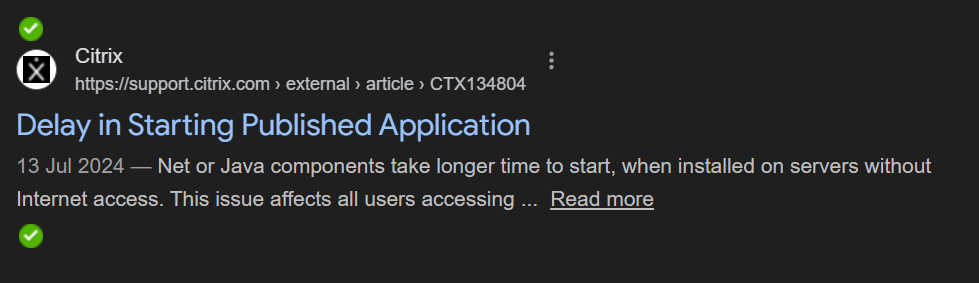
If you have PCs in environments such as pharma or banking with absolutely no internet access (air-gapped), the effect can be even more severe.
Because over the last 20 years we have seen people struggle with this, we wrote our own freeware that indexes all executables on a given path or on Windows, reads their certificates and CRL/OCSP addresses, and tries to download those (with or without a proxy).
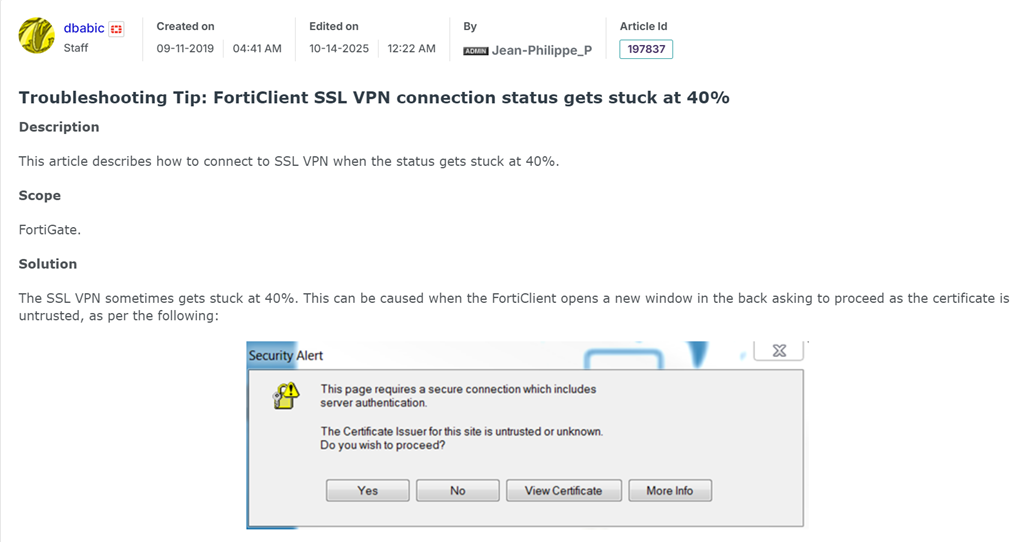
We have solved many problems with this, including FortiGate and FortiClient 40% start-up hangs, enterprise deployments where SAS/NIC drivers caused delays in WIM images, long logon times in profile management solutions such as FSLogix, FlexProfile, and similar software.
Google Searches show that you are not the only one: