Click on the Category button to get more articles regarding that product.
Fortinet FortiClient 7.4.4.1887 IPSEC VPN not working
Error: ChildSa_Negotiation_Failed
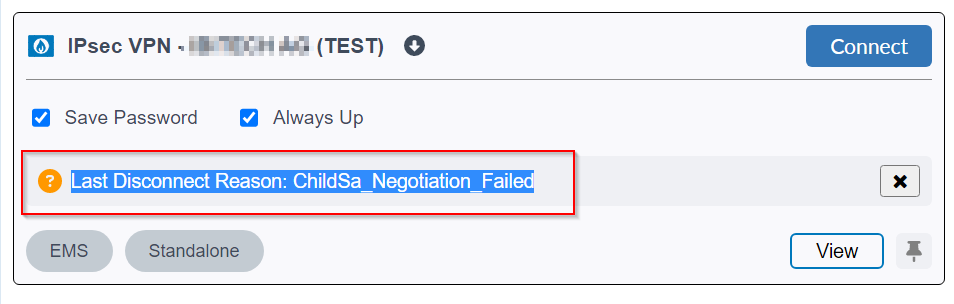
We just changed from Fortinet FortiGate SSLVPN to IPSEC because FortiGate will drop SLL VPN tunnel mode for security reasons.
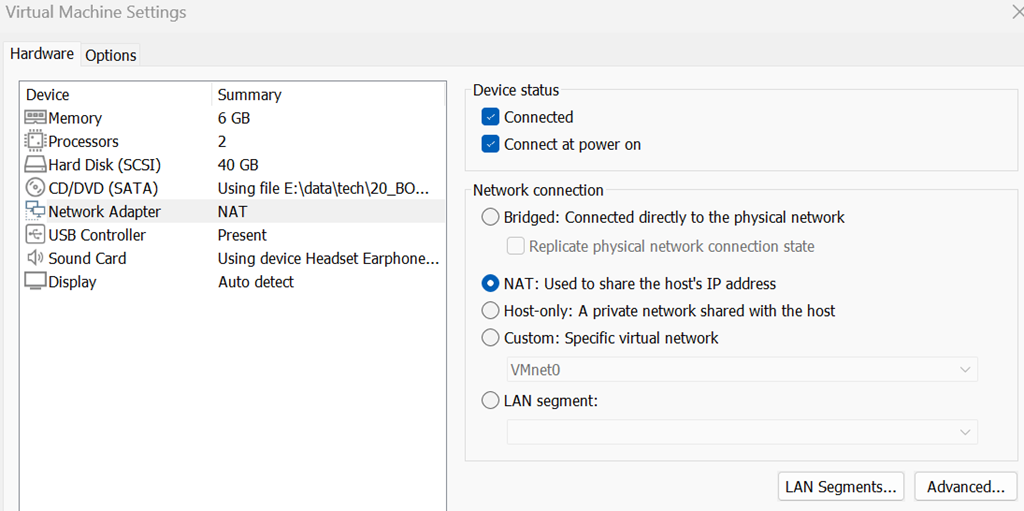
My VPN jump host running under VMware workstation could not connect to the IPSEC. Before you change the NIC mode or play around one hundred VPN values or with VMNIC0-10 there is reason why this happens.
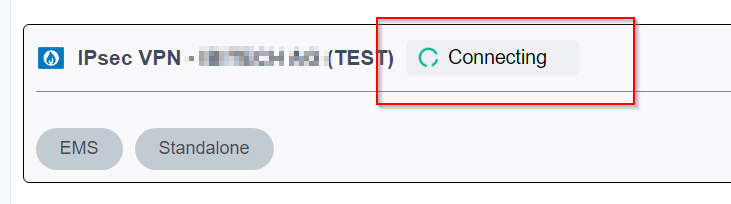
You start the FortiClient full version. You try to connect via the IPSEC tunnel.

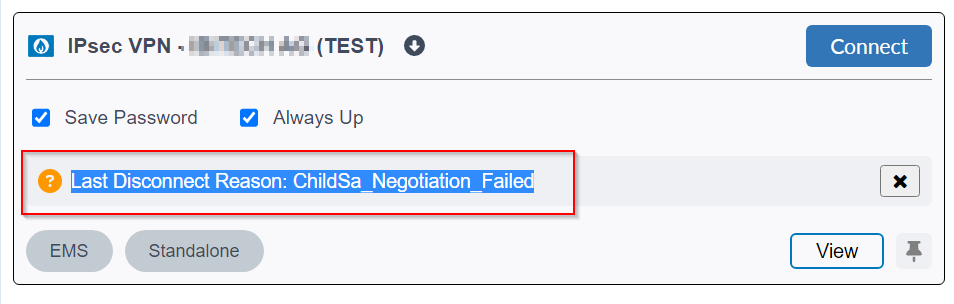
Error: Last Disconnect Reason: ChildSa_Negotiation_Failed
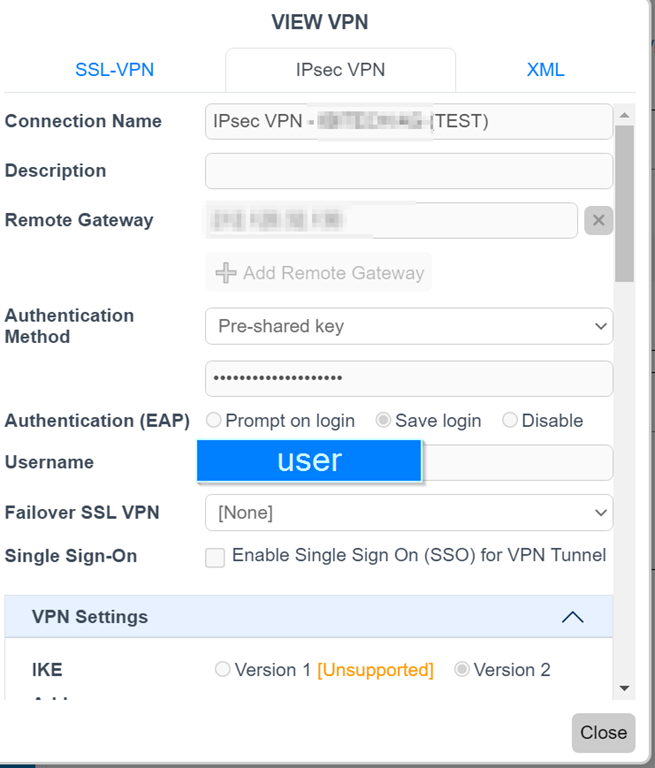
This was not useful somehow  Maybe it is only for 7.6.4 Firmware not documented?

No can’t find it anywhere. When documentation is behind dev?
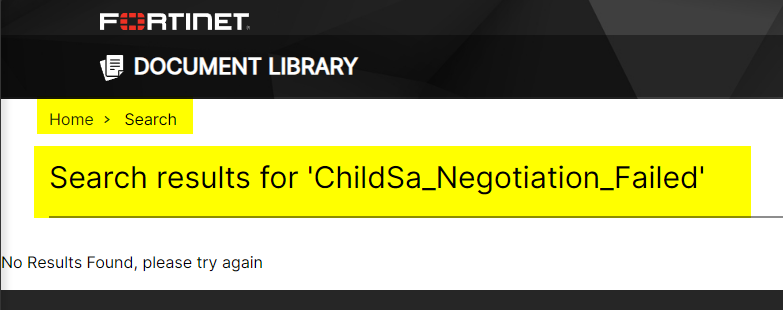
Solution we found through testing:
- RUN > services.msc
- Change that service IPsec Policy Agent to startup automatic
- Start the Service (It must be up and running)
- Try IPSEC VPN again > Solved
Solution / source of error:
These services must be running inside the VM for IPsec to work:
IKE and AuthIP IPsec Keying Modules
Handles IKE Phase 1 & NAT-T
Start and set to Automatic
IPsec Policy Agent
Manages IPSec rules/policies
Start and set to Automatic (That was set to manual on a Windows VL pro)
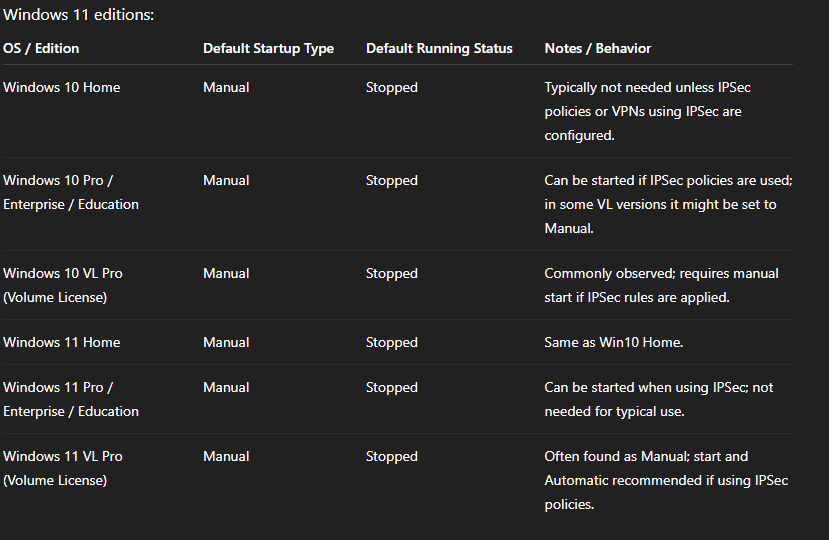
Service IPsec Policy Agent:
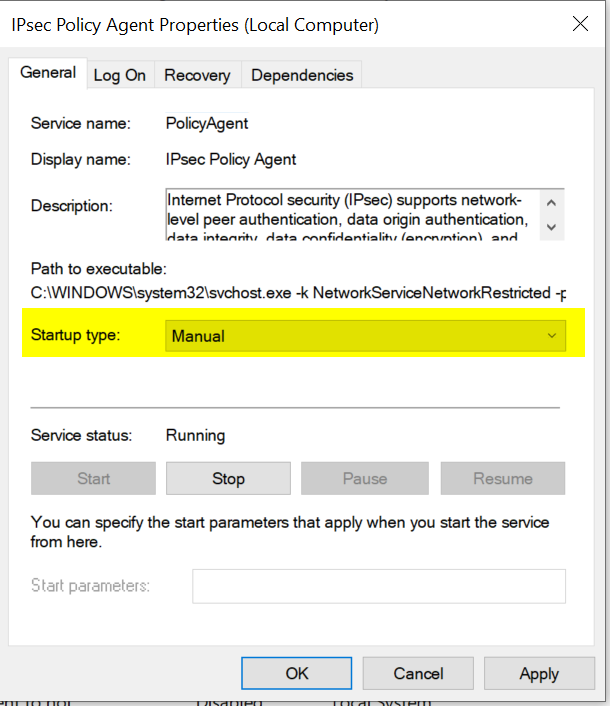
Service IPsec Policy Agent

This will work for the IPSEC
16.12.2025
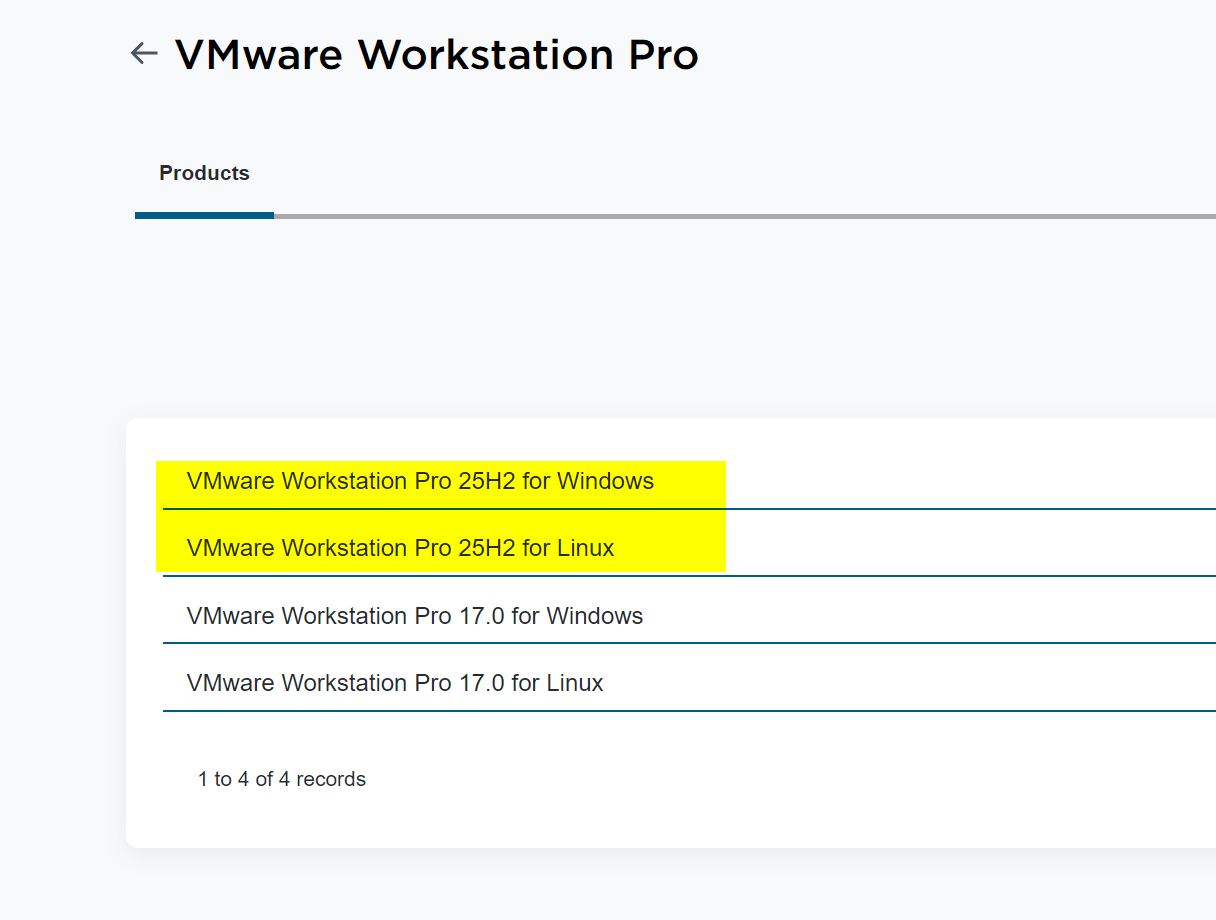
Broadcom has released a new Version of VMware Workstation:
This maybe also helps at least if you have the problems under VMware Workstation:
Download Desktop Hypervisor (Workstation and Fusion) Products
https://knowledge.broadcom.com/external/article/368734