

 Click on the Category button to get more articles regarding that product.

18.09.2026, KB5002665, Excel 2016 cut and paste MSI based version Hotfix download links for KB5002914 chaos
KB5002914 Excel 2016, 2019, 2021, 2024 cut and paste not working anymore
18.09.2026 Microsoft released a Hotfix for the Office 2026 MSI based version
How to uninstall the different version and to block the patch so it does not come back.
There seems to be a bug with the September 2026 (09-2026) Updates from Office Patch Tuesday.
After you install 5002914 you are unable to cut & Paste in Excel 2016, 2019, 2021 and 2024
Microsoft released a hotfix for the problem on 18.09.2026 KB5002665:
Download link MS:
https://www.microsoft.com/en-us/download/details.aspx?id=108833
excel2016-kb5002665-fullfile-x64-glb.exe download link direct 64BIT version:
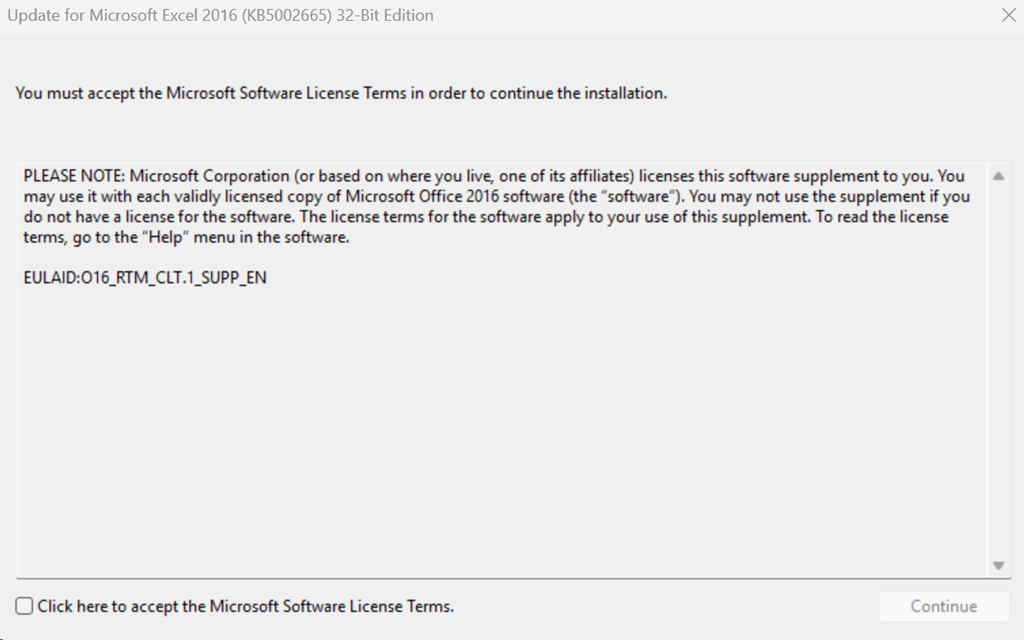
excel2016-kb5002665-fullfile-x86-glb.exe download link direct 32BIT version:
https://download.microsoft.com/download/2f49bb92-1e80-4705-a03a-34663394d05d/excel2016-kb5002665-fullfile-x86-glb.exe
Explain:
https://support.microsoft.com/en-gb/servicing/office/hotfix/excel/5002665
Be aware that the update in the Microsoft Download Center applies to the Microsoft Installer (.msi)-based edition of Office 2016.
We to date 18.09.2026, 19:56 CET do NOT see the kb5002665 in the Windows Update Catalog. So you want be able to import that into WSUS (Windows Update Server).
Please check here if that changed and you need the copyID or GUID to import into WSUS:
https://catalog.update.microsoft.com/Search.aspx?q=kb5002665
Unsure if this related to the fact the Office 2016 is out of support. Or maybe just a delay issue?
Our post regarding the cut and paste problem:
KB5002914 Excel 2016, 2019, 2021, 2024 cut and paste not working anymore – www.butsch.ch